






Call NOW!
855-349-9328
Follow Us


BuyTVInternetPhone is your trusted guide to home connectivity. We may make money when you buy through our links, at no extra cost to you.
Wondering how to replace the Xfinity Home Security system batteries? Learn how to replace the batteries in different components of Xfinity Home devices!;
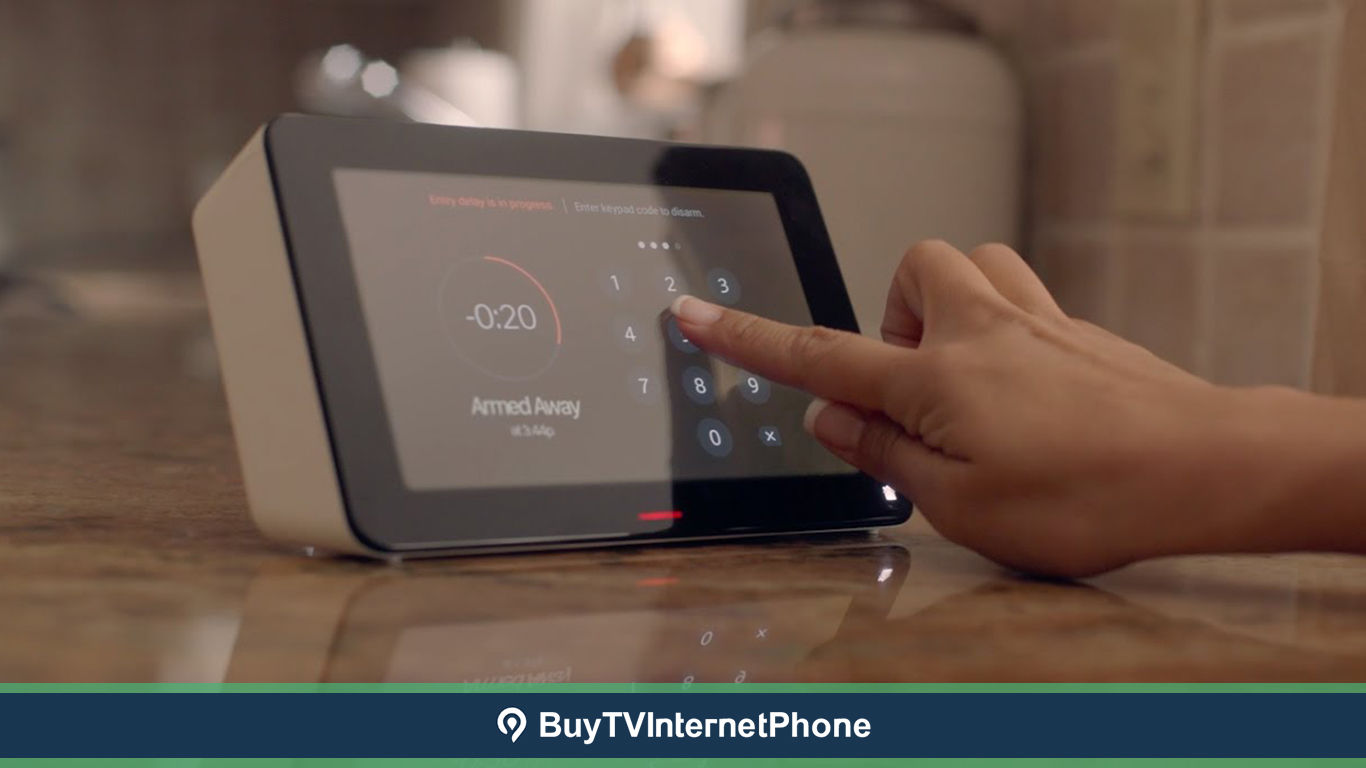
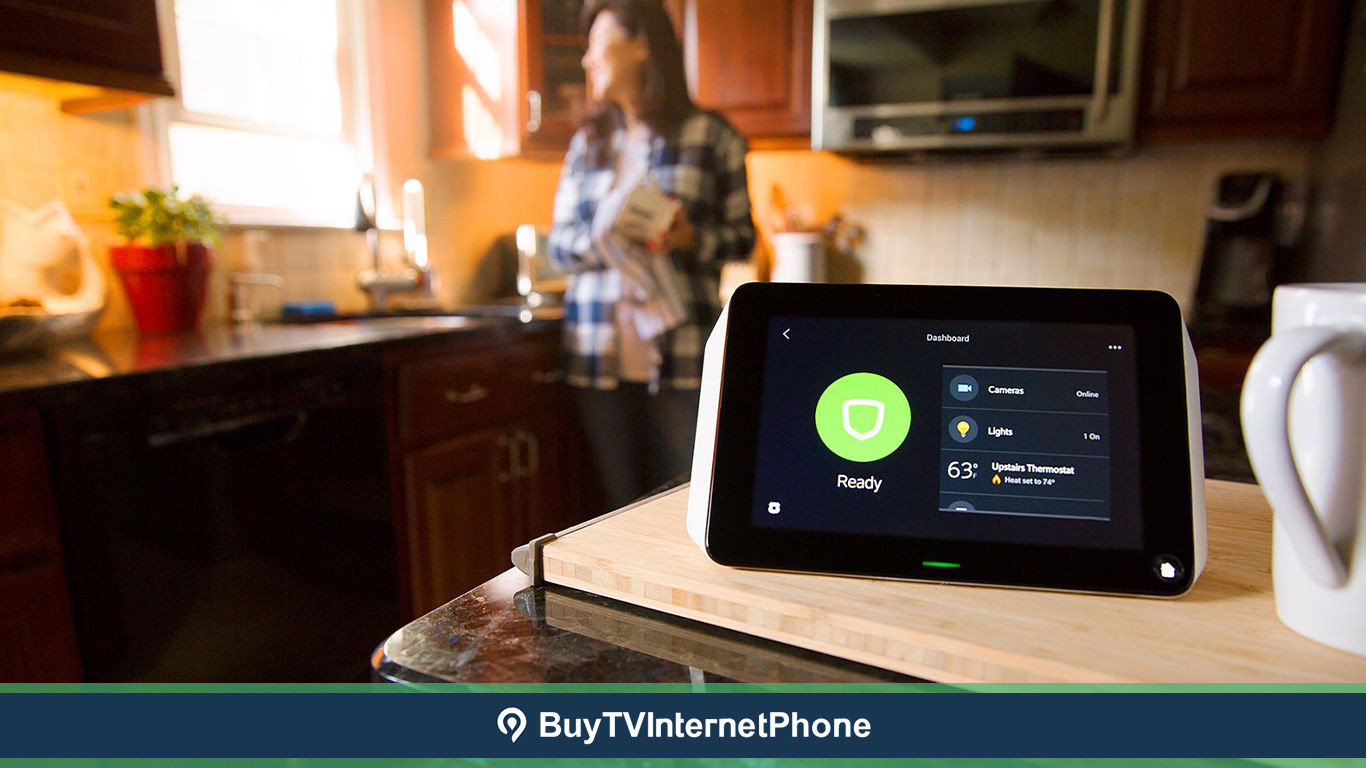
Struggling to understand the Xfinity Home system touchscreen? Read about all the aspects of the Xfinity Home touchscreen to be able to use it easily.;
Moving to the city of Maryville, TN, and searching for the best internet, TV, and phone services? Find great options with Spectrum in Maryville, TN!;
Learn all about CenturyLink internet service and plans at BuyTVInternetPhone. Call 1-855-349-9310 to subscribe!;
Wondering about the internet speeds offered by CenturyLink? This blog talks about the varying speed ranges and details of CenturyLink internet plans.;
Want to know how to reboot AT&T router? Learn to reboot your AT&T internet router in a few simple steps. Read to know what connectivity issues rebooting solves.;
New to Xfinity Home and confused about the Smoke Monitoring? Here is everything about smoke monitoring with Xfinity Home Security. Order now at 1-844-207-8721!;
Wondering what makes HughesNet internet such an important satellite internet provider? Here are some of the top reasons! Call 1-855-349-9309 to subscribe.;
Wondering which provider to pick between Cox TV and Dish TV? Compare the services, features, and prices of both, and pick a service that serves you best!;
Stuck with the xFi Gateway and Wi-Fi channel selection? Here is a complete guide on how to change the Wi-Fi channel in Xfinity xFi.;
Do you want to use your own router with Ziply Fiber? Find out if you can use your router and what WiFi 6 is.;
Learn how to enjoy Paramount Plus on Xfinity X1 and Flex. This quick guide at BuyTVInternetPhone has all your answers about Paramount Plus with Xfinity TV!;